
PSign — Trusted sideloading for iPhone/iPad outside the App Store
Platform for signing apps outside the App Store, plus iOS tools & tricks services
- No jailbreak
- Quick purchase
- Rich Apps library
- 30-day warranty
About PSign
PSign is a trusted iPhone/iPad sideloading platform: sign and install apps outside the App Store, browse integrated IPA repos, and buy iOS keys & products (tools, tricks, API access) right on the web.
Multi-source app library
TTJB, AppTesters, PSign — fresh IPAs updated regularly, install directly in-app.
Buy keys & products online
7 / 14 / 30-day plans, iOS tools, API access — pay from balance, get keys instantly.
Safe, no jailbreak
No deep iOS modification — keep Apple warranty and device security.
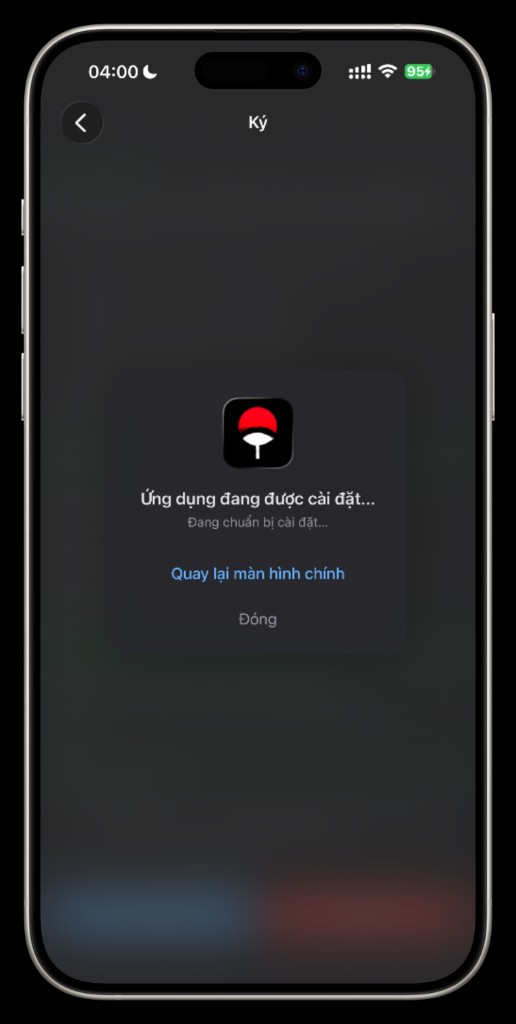
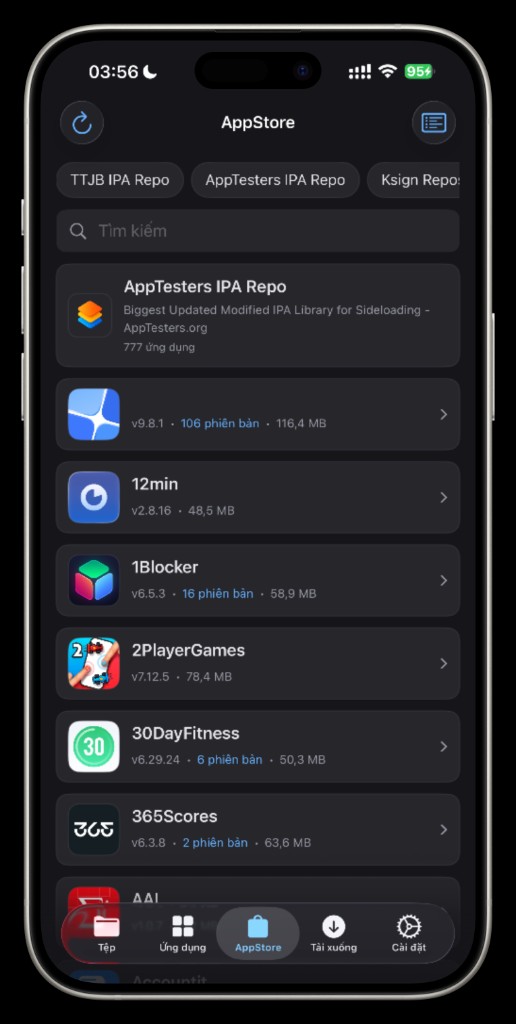
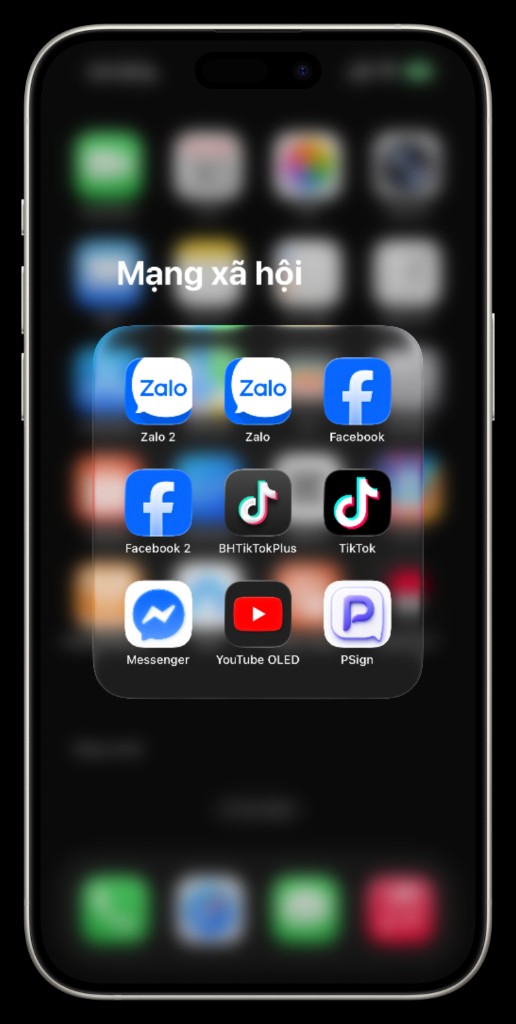
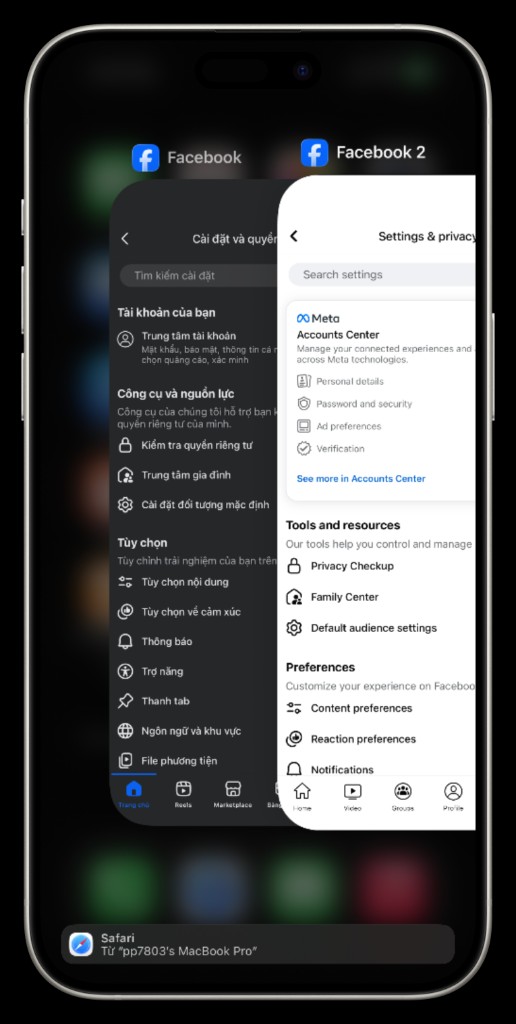
Unlimited app cloning
Run multiple copies of the same app on iPhone or iPad — Zalo 2, Facebook 2, modded TikTok… — and use several accounts at once without jailbreak.
Unlimited clones
Create as many copies of your favorite apps as you need on one device.
Multiple accounts at once
Zalo, Facebook, TikTok… — each clone runs a separate account simultaneously.
Mod & original, safely
Run modded/VIP and original apps side by side — no jailbreak required.
Why choose PSign
End-to-end sideloading — install apps, clone accounts, buy keys and iOS certificates
- One tap
Install apps outside the App Store in one tap
Sign and install IPAs from the built-in app library with simple steps — no jailbreak or complex setup.
- Multi-account
Unlimited app cloning
Run multiple copies of your favorite apps on iPhone or iPad and use several accounts at once without hassle.
- Security
Strong security, safer than jailbreak
No deep system modification on iOS — your data and device stay better protected than with jailbreaking.
- Safe
Run original and clone side by side safely
Run the original app and cloned copies in parallel safely — no jailbreak required.
- Compatible
Works on all iOS versions
Compatible from older iOS releases to the latest on iPhone and iPad for a stable sideloading experience.
- Instant
Instant key delivery after payment
Register, top up, and receive your key right after purchase — save time and start using immediately.
- Warranty
No jailbreak — keep Apple warranty
No system break — your device stays safe and eligible for warranty at official Apple service centers.
- Library
Rich app library & product store
Access a diverse IPA catalog plus the PSign product store: keys, iOS tools, and services for every need.
- Flexible
Flexible 7 / 14 / 30-day plans
Choose duration and pricing from basic to premium — suitable for personal use or business.
Tools & software
Curated iOS mods, tools, and apps
Loading...
Frequently asked questions
Quick answers about PSign, iOS certificates, and sideloading
- A certificate is a digital signing credential issued by Apple. Together with a matching provisioning profile, it lets you sign and install apps outside the App Store on an iOS device.
- PSign is an iPhone/iPad sideload platform: buy iOS certificates, sign and install apps outside the App Store, access IPA libraries and iOS tools on the web.
- No. PSign uses valid Apple Developer certificates and provisioning profiles — your device stays stock, no jailbreak required.
- Open the Get UDID page in Safari on your iPhone/iPad, download the configuration profile, and install it. Your UDID appears on the result page.
- After getting your UDID, open Buy a certificate, choose a suitable package, and enter your device's UDID. Pay by bank QR with no login required. When your certificate is ready, download the ZIP from checkout or look it up by UDID.
- You receive a ZIP containing .p12, .mobileprovision, and a password. Once payment and issuance are complete, download it from checkout or look it up by UDID.
- Warranty coverage and duration depend on the package you purchase, subject to the terms of service. Review each package's warranty before paying. Contact support through the website if you have issues.
What customers say about PSign
Real feedback from our users
Loading...